
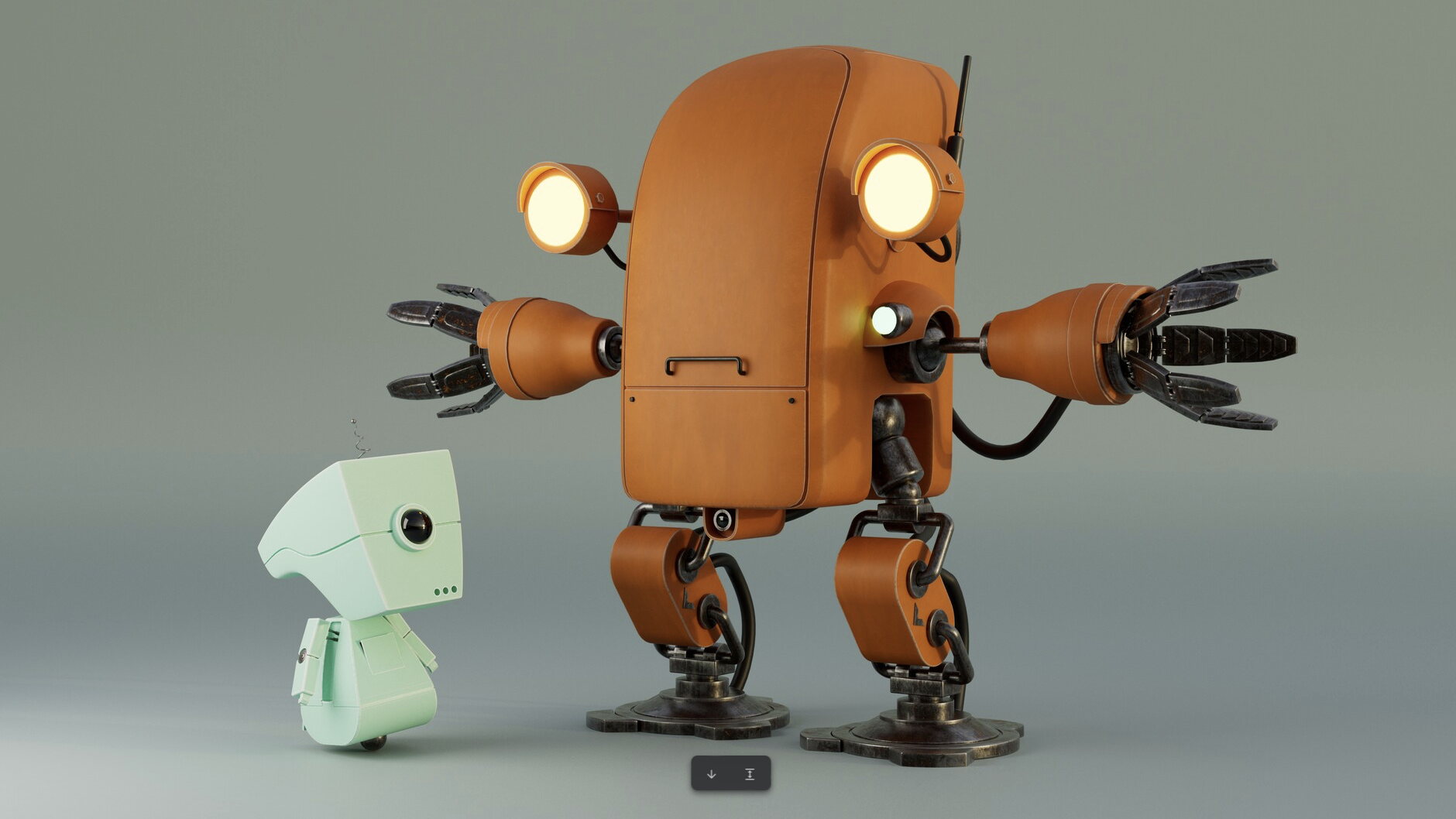
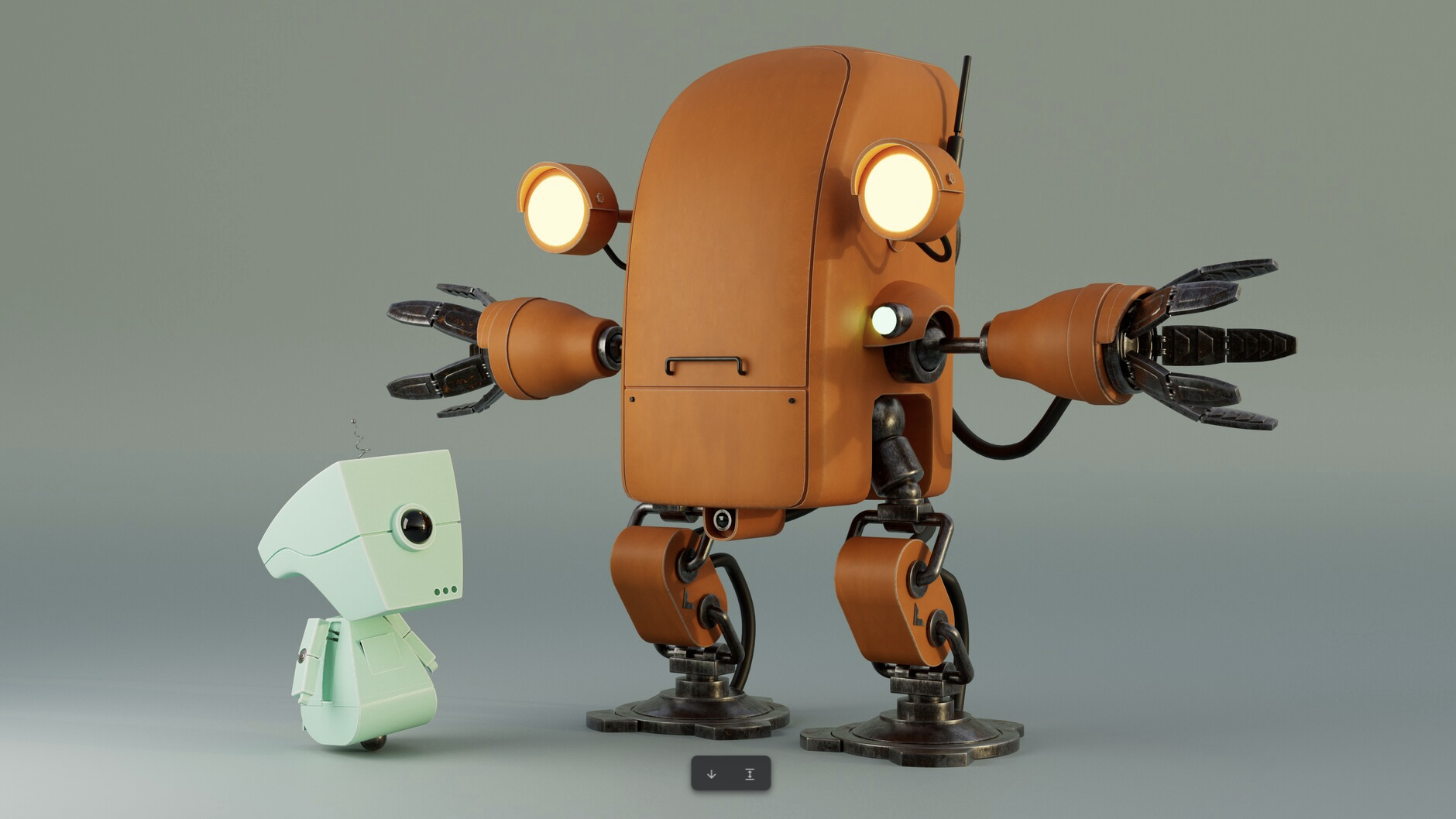
3D is a varied field with many uses, from product design to movie effects, animation and architecture. Certain elements cross all of these areas though. With that in mind, I’ve come up with my top texturing tips for working with materials and design.
If you need the tools, see our pick of the best 3D modelling software. We also have a roundup of the best 3D art for inspiration. In the meantime, here are my tips.
Rob is the editor of ImagineFX and former editor of 3D World. He works in 3D and VFX for TV, film and web. His background is in art and photography, and he’s a keen musician and guitar builder.
01. Layer materials
(Image: © Rob Redman)
Rather than painting everything onto one texture, layer your materials to easily adjust colours, bump, and the placement of elements like rust.
02. Place some decals
(Image: © Rob Redman)
If you have large surfaces, adding things like decals can break your design up, add some believability, and give an extra feel for the worldbuilding.
03. Pay tribute
(Image: © Rob Redman)
If you’re stuck for inspiration, why not try recreating a favourite model to see if you can replicate its texture work. This is a good workout for your observational eye too.
04. Son’t overlook other attributes
(Image: © Rob Redman)
It’s easy to focus on the textures, but don’t overlook other material attributes like the IOR (index of refraction), roughness or the subsurface scattering, all of which are equally important.
05. Be playful
(Image: © Rob Redman)
It’s easy to stick to material balls for testing, but break away and be playful sometimes as well, using different setups to try out potential materials.
06. Correct Scale
(Image: © Rob Redman)
Everything will be easier if you always work to real-world scale. Not only will your renderer love you, but any model you make can be dropped into any scene.
07. Be consistent
(Image: © Rob Redman)
Ensure models from the same world follow a consistent design language, even if they vary. This will help the viewer understand the universe better.
08. Create props
(Image: © Rob Redman)
While not essential, using props in a scene can help give it more depth and add narrative touches to what could otherwise be quite a sterile result.
09. Use quad view
(Image: © Rob Redman)
Always make use of the Quad View tool when modelling. Keeping on top of form and silhouette is vitally important, as they help object readability.
10. Do you need to model it?
(Image: © Rob Redman)
Ask yourself if a small detail really needs geometry, or if a texture can do the job without the time investment or memory overheads.
Get more tutorials in ImagineFX
You may like